A map of everything
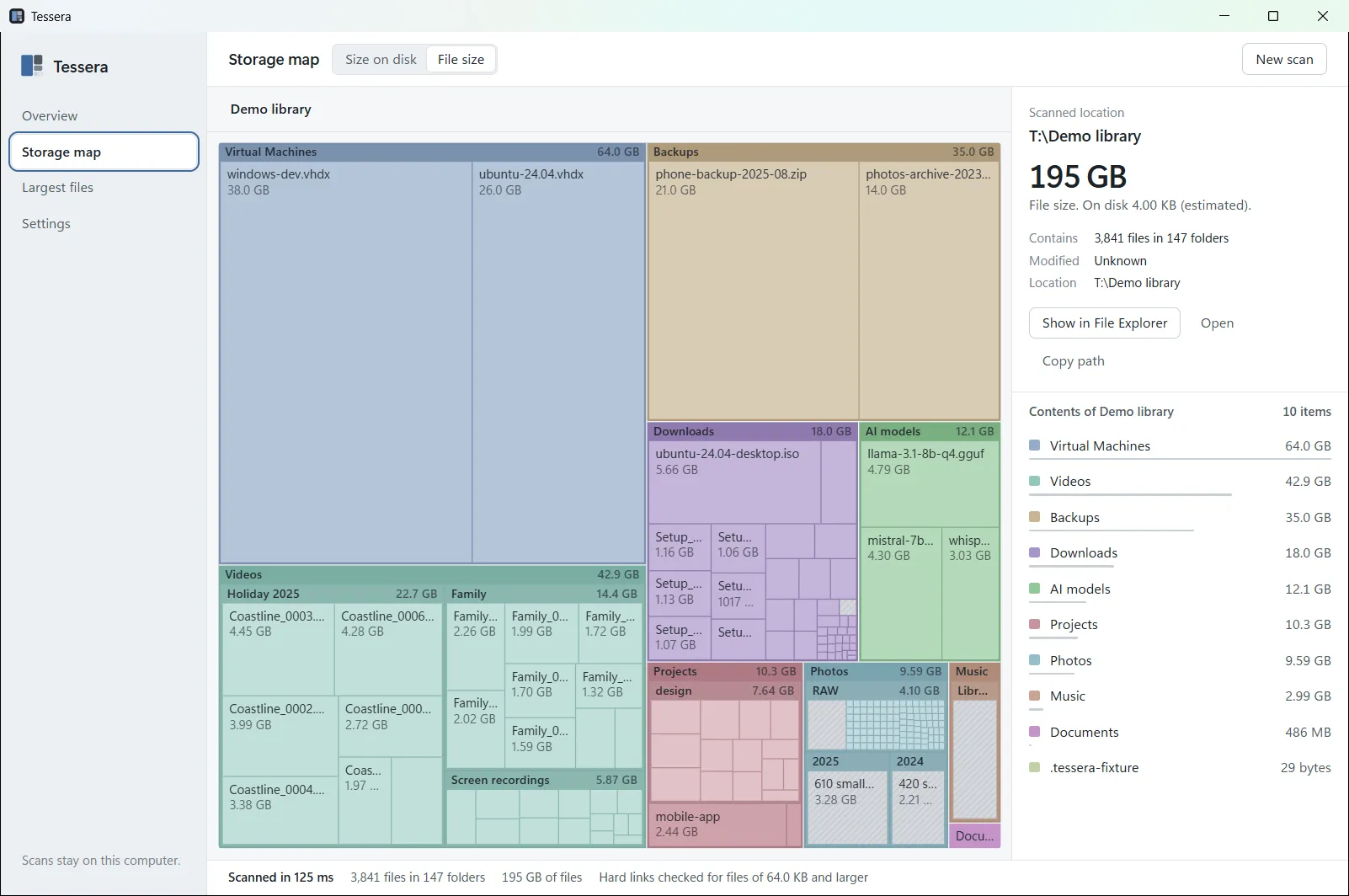
Every folder becomes a tile sized by the space it takes. Open any tile to go deeper, follow the breadcrumbs back, or move through it all with the keyboard.
See what fills your computer. Find the files that matter. Reclaim your space with confidence.
Built for Windows 11, with a Mac version in testing. Scans never leave your computer.
The biggest things are the easiest to see. Large videos, forgotten backups and virtual machines stop hiding in folders you never open.
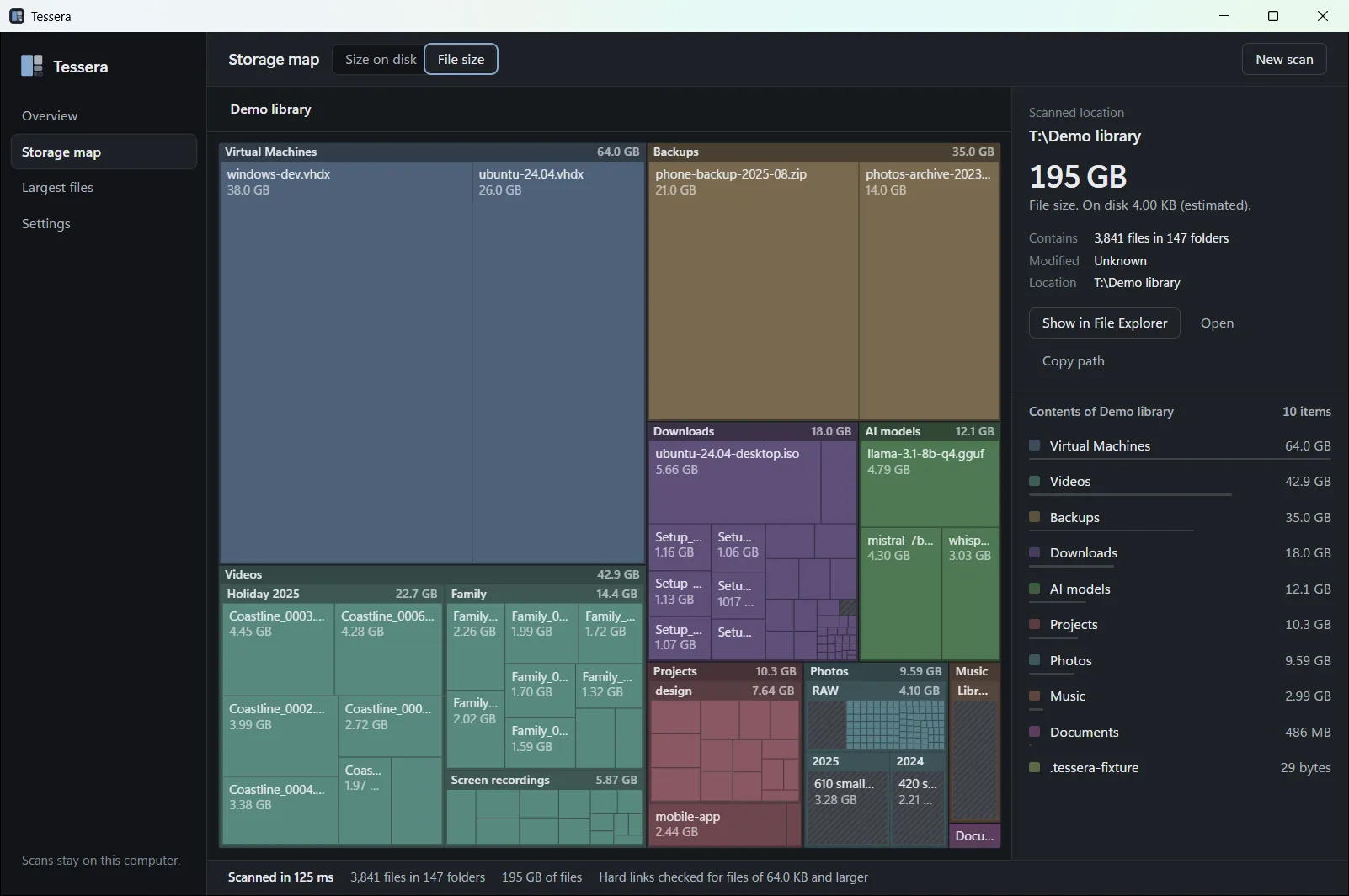
The real app on Windows 11, exploring a demonstration library.
Choose a drive, your home folder or any folder. Tessera reads file sizes only, never their contents.
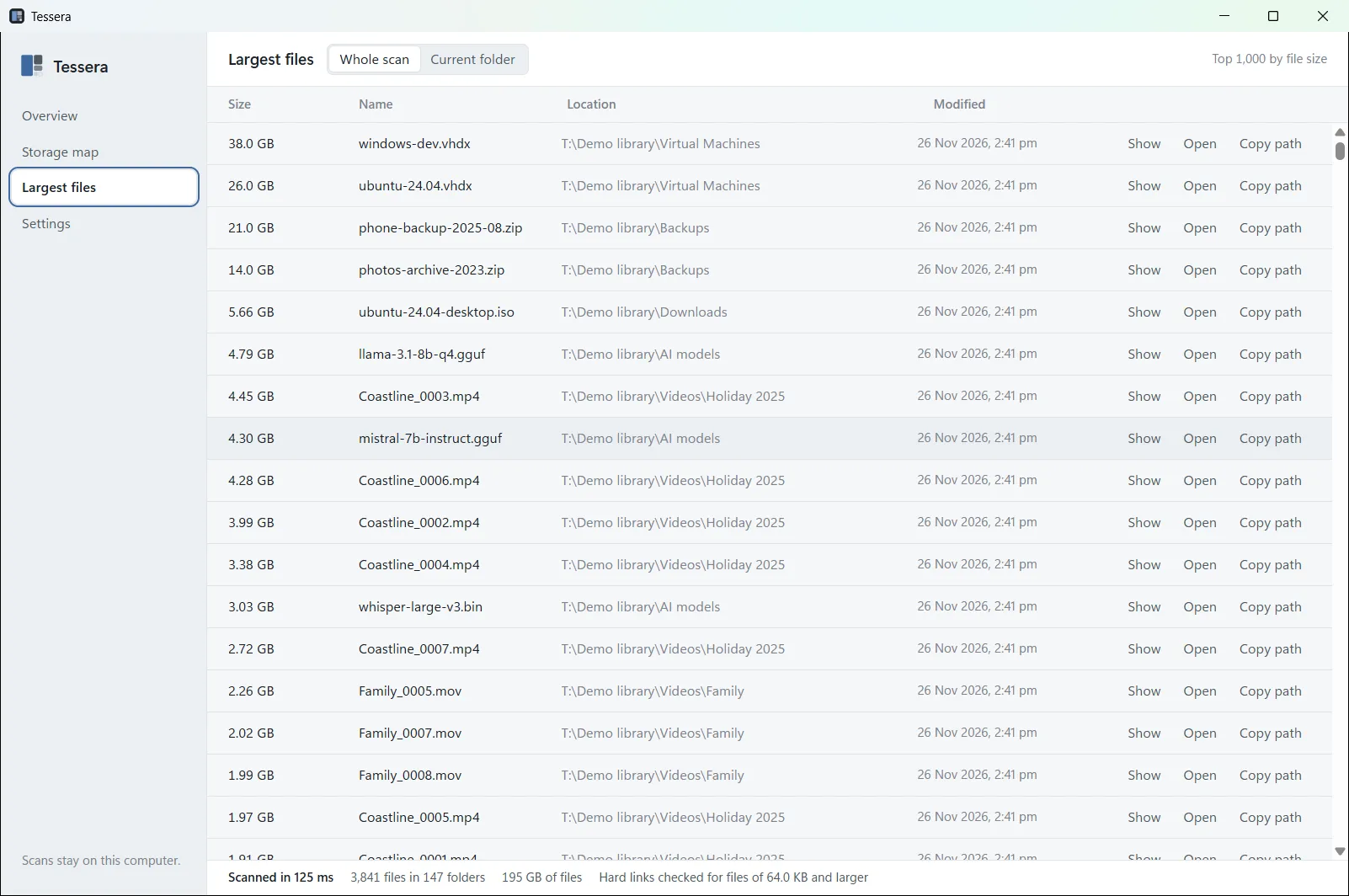
Follow the largest tiles, open folders in place, or rank every file by size to see what is worth your attention.
Open anything, or show it in File Explorer or Finder to deal with it there. Tessera never removes a file on its own.
Every folder becomes a tile sized by the space it takes. Open any tile to go deeper, follow the breadcrumbs back, or move through it all with the keyboard.
The thousand largest files on a drive or in a folder, with where they live and when they last changed. Show any of them in File Explorer or Finder in one click.
Files with several names are counted once. Online-only files show as using no space. Estimates are labelled, and folders Tessera could not read are flagged, never silently skipped.
No account, no uploads, no tracking. This version of Tessera makes no network connections at all.
Tessera never changes or deletes your files. It will not open programs or scripts for you, and it does not follow links into other places.
The map fills in while the scan runs, so you can start exploring at once, and you can stop a scan the moment you have seen enough.
Scanning happens entirely on your computer. Tessera does not upload file names, folders or results, and it does not ask you to create an account.
When paid licences arrive, activating one will be the only reason Tessera goes online, and it will send your licence key, nothing about your files.
Scanning is free, with no limits. Pro will be a single purchase, with no subscription.
$0
Yours to keep, with no time limit.
$9.78Not yet on sale
One payment, tax included. No subscription. For one computer, with no expiry.
Each installer appears here with its version, size and SHA-256 checksum on the day it passes testing on real machines. Until then, nothing is offered that has not been checked.
Windows 11, 64-bit
macOS version to be confirmed
Not yet verified
It reads the names and sizes of the files on a drive or in a folder, adds them up folder by folder, and draws the result as a map where each tile is sized by the space it uses. Results appear while it reads, so you can start exploring straight away.
Windows 11 (64-bit) and Macs. One Mac download works on both Apple silicon and Intel Macs. Each version is listed in the download section only after it passes testing on real machines.
Free, with no limits: scanning, the storage map, largest files, search, Smart Scan suggestions, the duplicate finder, the list of installed apps and Restore. Tessera Pro adds the actions: cleaning up to the Recycle Bin or Trash in a few clicks, freeing space from OneDrive and iCloud files, uninstalling apps from Tessera, CSV reports and storage history.
Yes. Scans happen entirely on your computer, and file names, folders and scan results are never sent anywhere. Tessera has no analytics or tracking. It connects to the internet only to check a Pro licence with our payment provider and, if you allow it, to see whether a new version is available.
Never by itself. You choose items and review them first, and Tessera then moves them to the Recycle Bin or Trash. It never deletes anything permanently, and system folders are protected.
Yes. The Restore page lists everything Tessera moved in the last 30 days, and Put back returns an item to where it was. It never replaces anything that is already there.
No. The file stays in your OneDrive or iCloud Drive and downloads again when you open it. Only the copy on this computer is removed. Files set to always stay on this device are left alone.
It compares their full contents, not just names or sizes, so only exact copies are listed. You choose which copy to keep.
Your drive also holds things no folder scan can see, such as system restore points, other users’ files and space the system reserves. Tessera shows the difference instead of hiding it, and labels any size it has to estimate.
Yes. Scanning and every free feature work without an internet connection. A Pro licence keeps working offline for 30 days at a time between checks.
Yes. You can ask for a full refund within 14 days of buying Tessera Pro, for any reason. Email us with your order number.
Run the installer for your system. To uninstall on Windows, use Settings > Apps; on a Mac, move Tessera from Applications to the Trash. Your files are not affected either way.